When you change the Redis database password, the current credentials will be immediately invalidated and the instance will restart. All projects that rely on the password will be unable to connect to the database until they are re-deployed.
Secret rotation is a security best practice that limits the exposure window if a credential is compromised. You might rotate secrets when:
- A team member with access to credentials leaves
- You suspect a credential has been exposed
- Your security policy requires periodic rotation
These steps will guide you on updating the password for your Redis database.
- You have a Redis database through a Native integration from Vercel Marketplace.
- You have access to manage your account's resources, including your Redis integration.
- From your Vercel dashboard, go to the Integrations tab.
- Next to the integration, select the Manage button. Native integrations appear with a
billablebadge. - On the Integrations page, select the Open in Redis button.
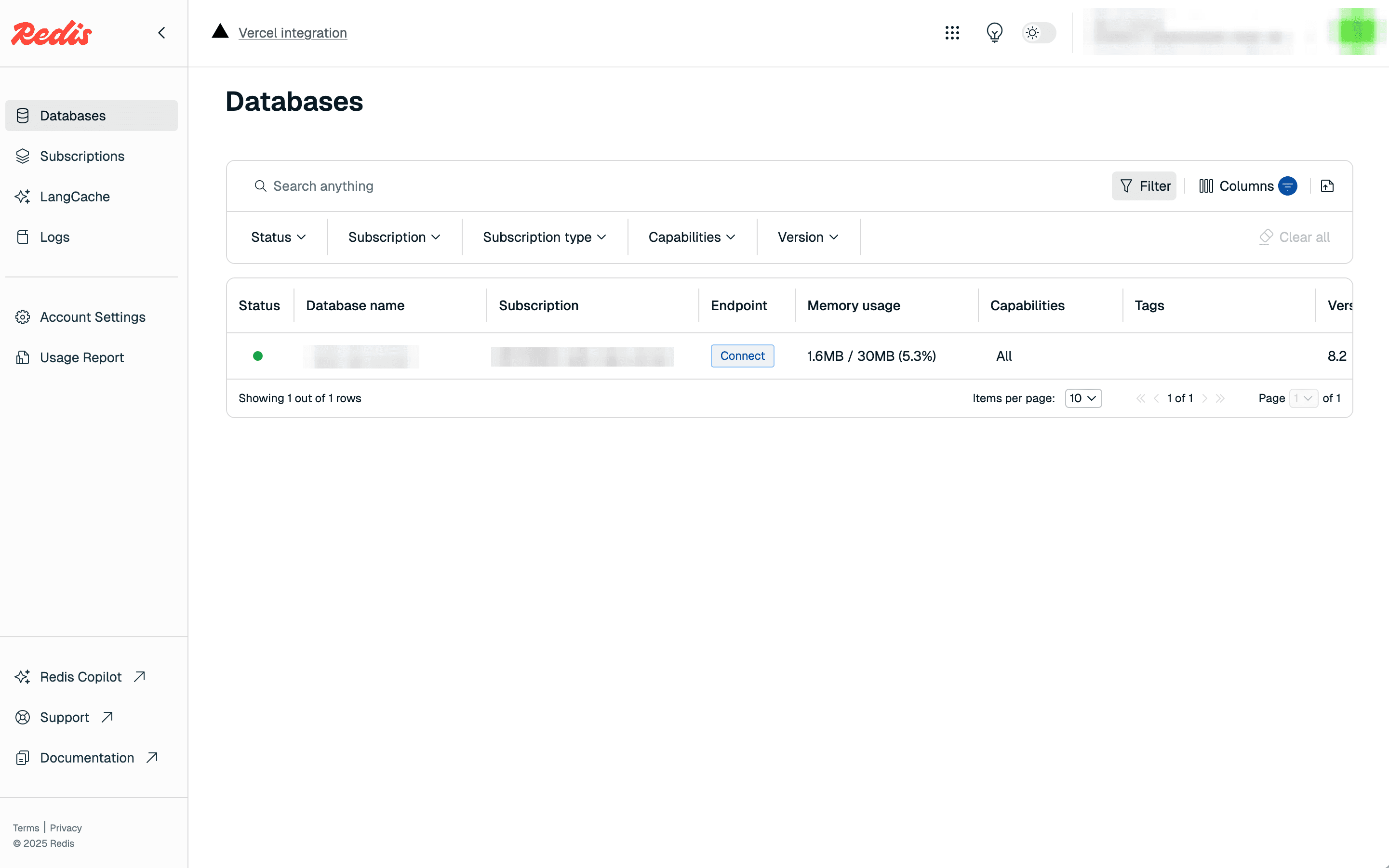
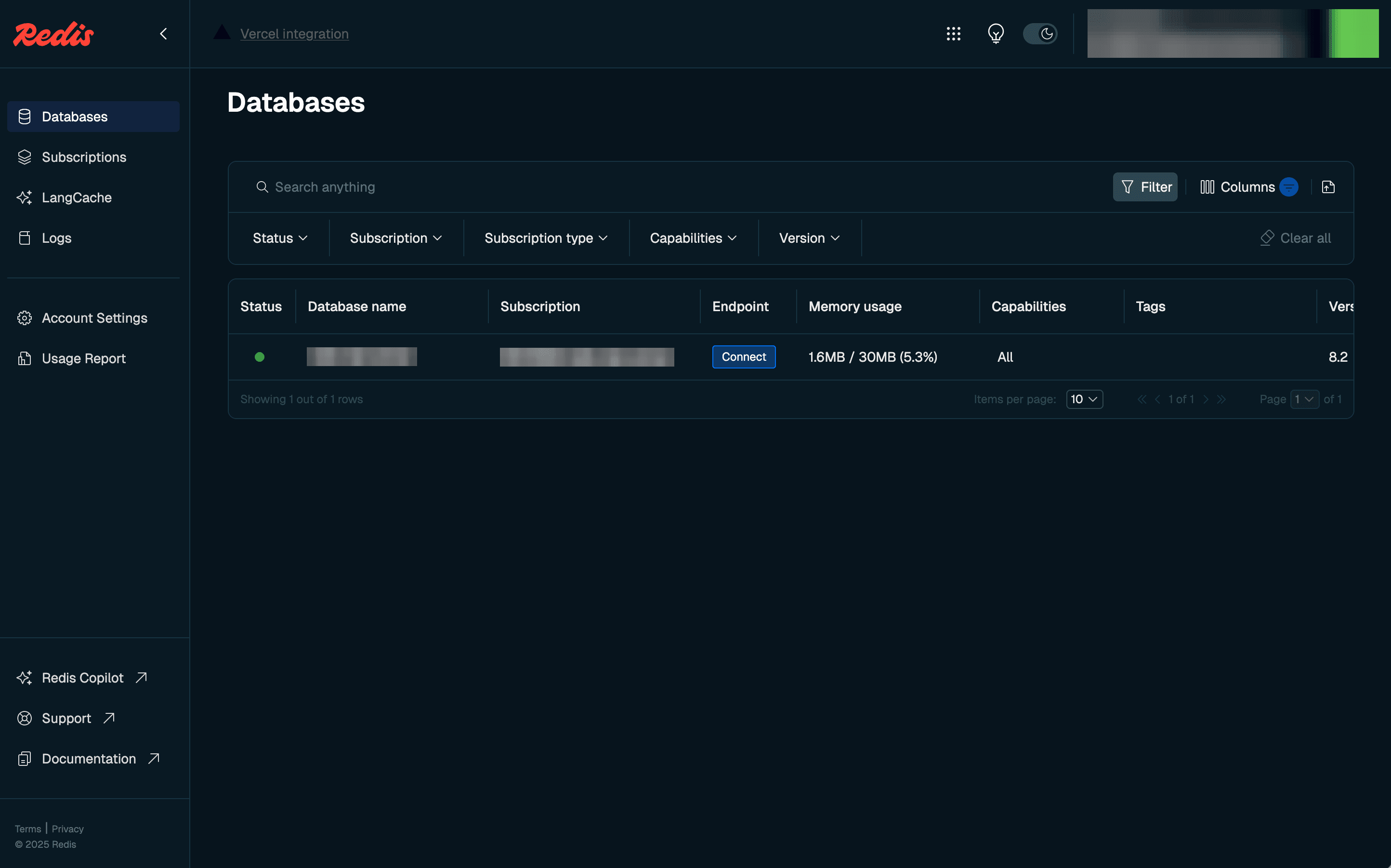
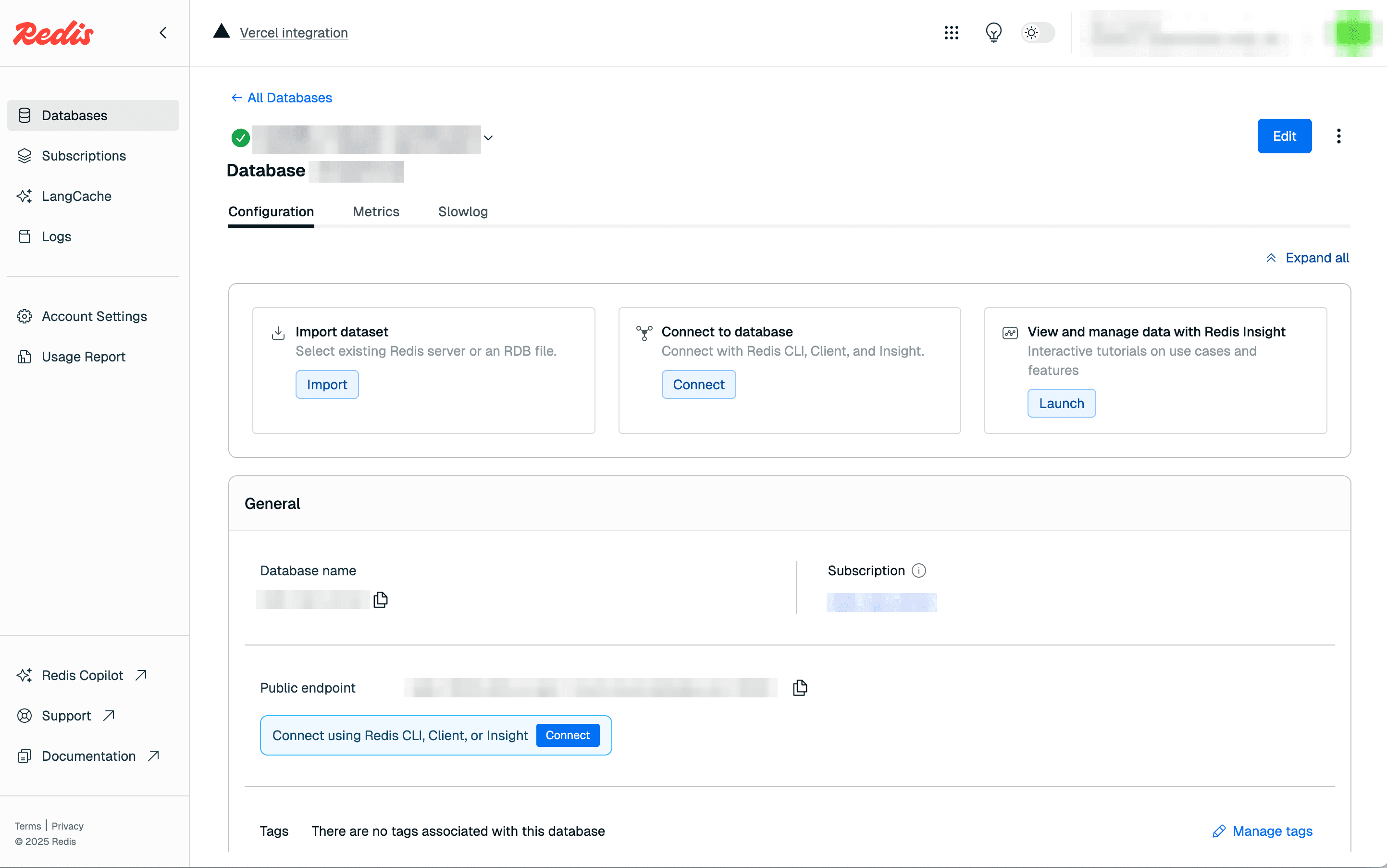
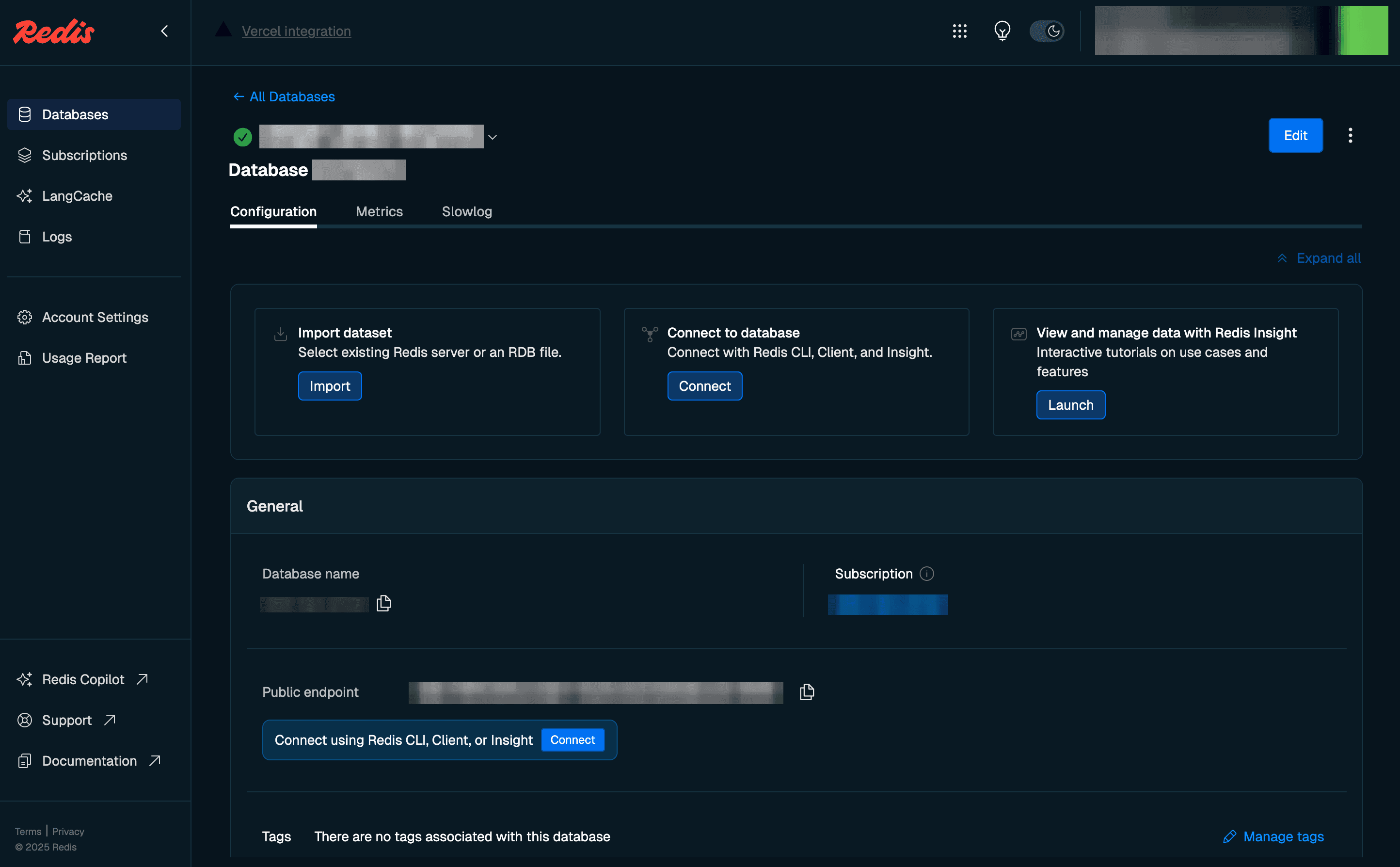
Step 3: On dashboard for the database you want to update, select the Edit button in the upper right.
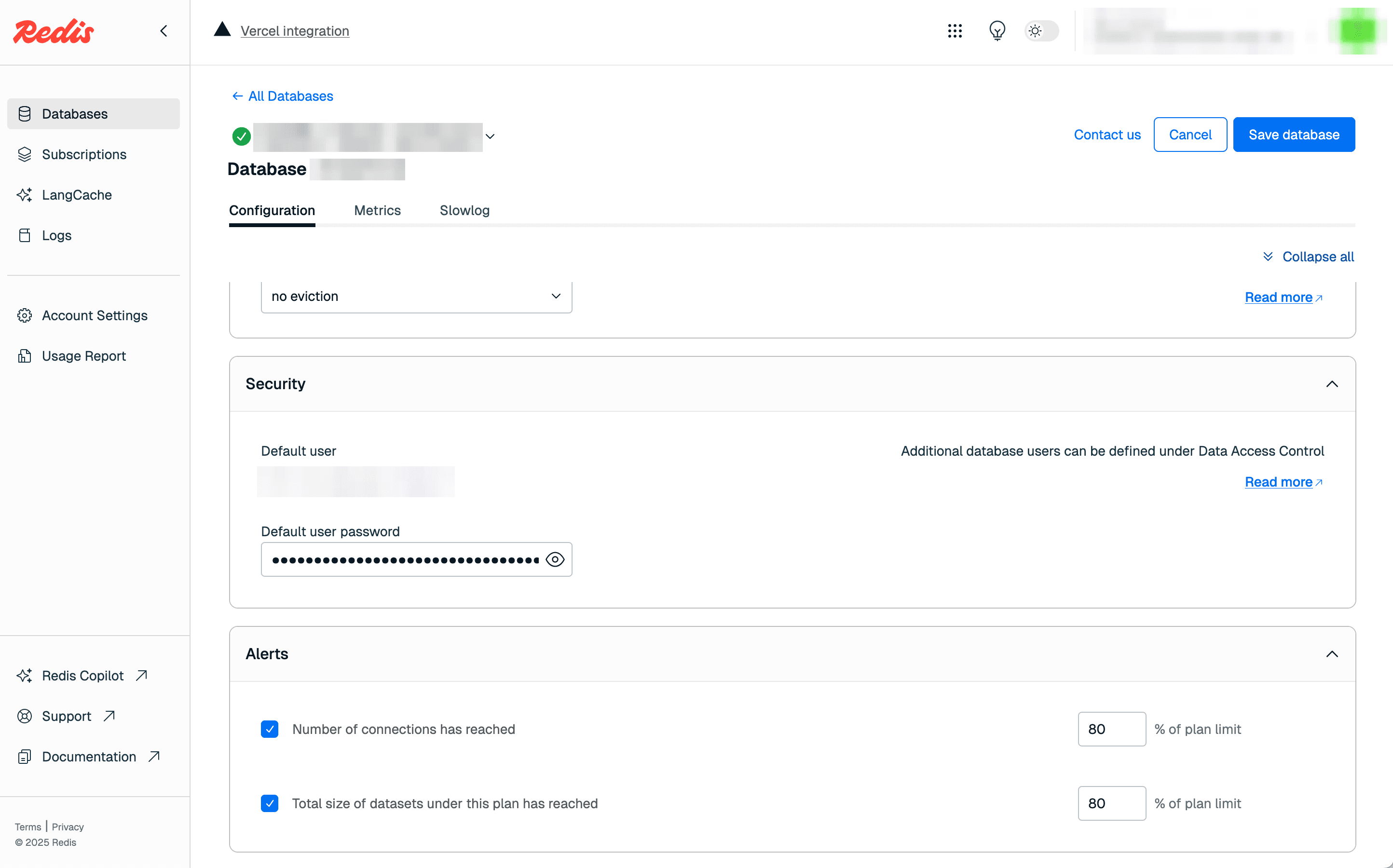
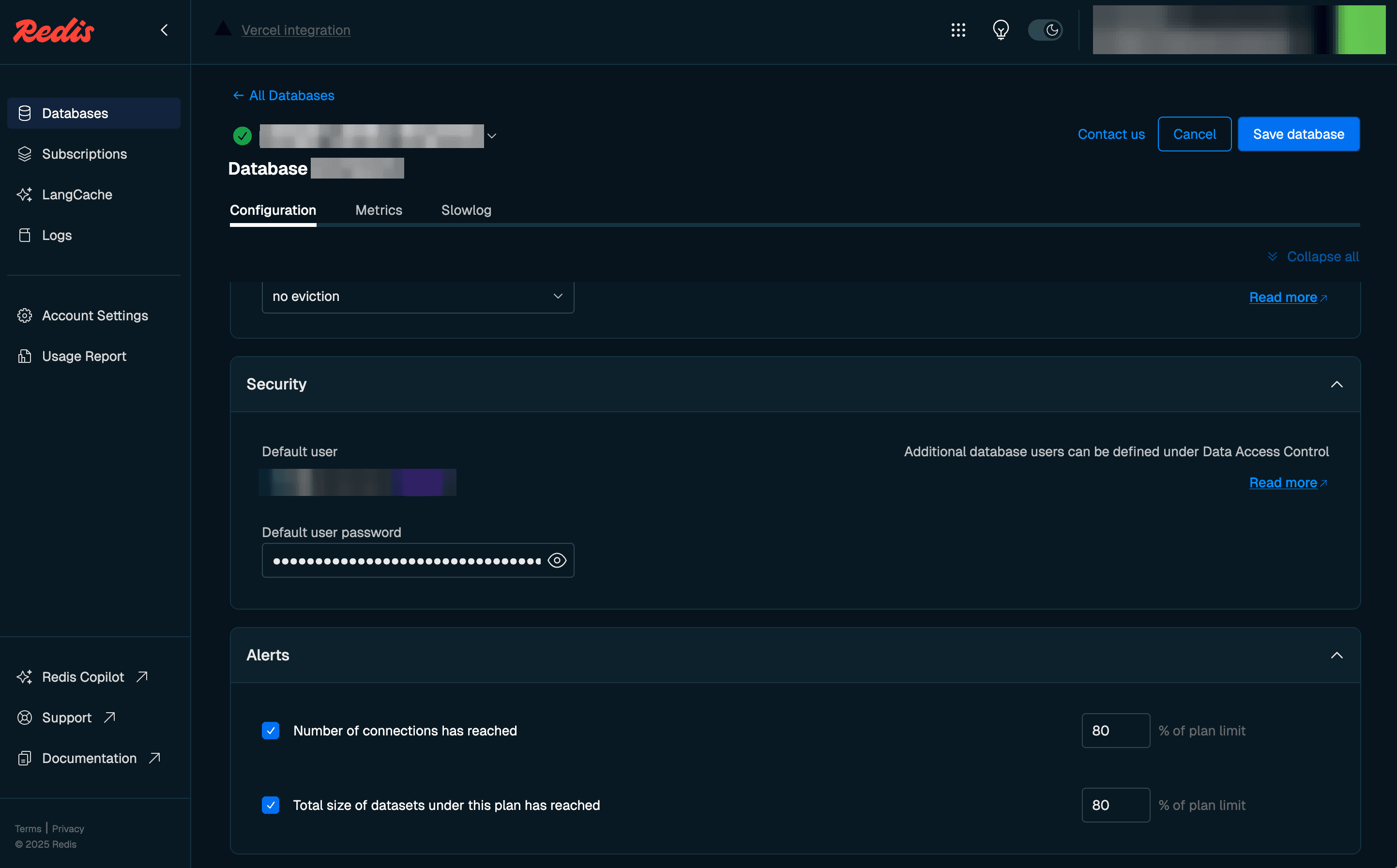
- Go back to your Redis integration on Vercel and confirm the new API secret is present
- Deploy any connected projects in Vercel