


Video generation on AI Gateway can now run asynchronously.
By default, generateVideo keeps one HTTP request to AI Gateway open until the result is ready. Because video generation can take seconds or minutes, that request can exceed request timeouts.
With asynchronous generation, your application can receive a webhook, poll for completion, or start a generation and retrieve the result in a later request.
Choose an option based on whether your process can keep running and whether your application can receive webhooks:
Existing generateVideo calls continue to work as before. All four options support text-to-video, image-to-video, reference-to-video, and other video inputs.
Copy link to headingUpgrade the SDK
Install the latest versions of the AI SDK and AI Gateway provider:
pnpm add ai@latest @ai-sdk/gateway@latestCopy link to headingUse asynchronous video generation
Copy link to headingWait for completion in a Workflow
An easy way to consume the completion webhook is a Workflow SDK. The workflow creates its own webhook URL, passes it to startVideo, and suspends until AI Gateway delivers the completion event.
Install the Workflow SDK alongside the AI SDK:
pnpm add workflowimport { experimental_getVideoStatus as getVideoStatus, experimental_startVideo as startVideo, type StartVideoResult,} from 'ai';import { createWebhook } from 'workflow';
const model = 'klingai/kling-v3.0-t2v';
export async function videoWorkflow(prompt: string) { 'use workflow'; // A durable webhook with its own URL — no route handler or token store using webhook = createWebhook(); const { operation } = await startJob(prompt, webhook.url); // Suspends the run. No compute runs while the video renders. await webhook; const { status, videos } = await fetchResult(operation); if (status !== 'completed') { throw new Error(`Video generation ${status}`); } return videos;}
async function startJob(prompt: string, webhookUrl: string) { 'use step'; const { operation } = await startVideo({ model, prompt, webhookUrl }); return { operation };}
async function fetchResult(operation: StartVideoResult['operation']) { 'use step'; return await getVideoStatus(model, { operation });}While the video renders, the workflow run is suspended and resumes when AI Gateway delivers the terminal event.
Copy link to headingUse a webhook with generateVideo
Pass webhook to generateVideo to wait for a completion event without polling. AI Gateway sends an event when the job completes or fails. The SDK waits for that event, fetches the generated videos, and resolves the original generateVideo call.
import { experimental_generateVideo as generateVideo } from 'ai';import { randomUUID } from 'node:crypto';
// One token per generation, minted before the call. The job ID cannot serve// here: it does not exist until the start request comes back.const token = randomUUID();
const result = await generateVideo({ model: 'klingai/kling-v3.0-t2v', prompt: 'A lighthouse beam sweeping across a foggy coast at night', webhook: async () => ({ url: `https://example.com/api/video-webhook?token=${token}`, received: waitForDelivery(token), // resolves with { headers, body } }),});The calling process and webhook handler need a shared token and store so the delivery can be matched to the correct generation. generateVideo does not expose the signing secret for this job. See the webhook verification documentation for the complete receiver pattern.
Both the polling and webhook options for generateVideo return result.videos as GeneratedFile objects. The SDK downloads provider-hosted videos, making uint8Array, base64, and mediaType available in either job.
Copy link to headingPoll with generateVideo
Add poll to an existing generateVideo call:
const result = await generateVideo({ model: 'spacexai/grok-imagine-video-1.5', prompt: { image: 'https://example.com/balloon.jpg', text: 'The camera pushes in as the balloon drifts upward', }, duration: 5, poll: { intervalMs: 5000, // defaults to 5000 timeoutMs: 600000, // defaults to 600000 },});Poll AI Gateway every five seconds until the video is ready or the ten-minute timeout is reached.
AI Gateway starts an asynchronous job, and the SDK sends a short status request at each interval until the job finishes. The calling process must remain running until generateVideo resolves, but no individual request to AI Gateway stays open for the full generation.
Copy link to headingStart a job and retrieve it later
startVideo returns an operation as soon as AI Gateway accepts the job, without waiting for rendering to finish. Store that operation and pass it to getVideoStatus later from the same process or another one:
import { experimental_getVideoStatus as getVideoStatus, experimental_startVideo as startVideo,} from 'ai';
const model = 'bytedance/seedance-2.5';
const { operation } = await startVideo({ model, prompt: 'A paper plane looping over a city at dusk',});
// Check the job later, from this process or another oneconst status = await getVideoStatus(model, { operation });if (status.status === 'completed') { console.log(status.videos);}Start a video generation and check its status later using the returned operation.
The operation is JSON-serializable, so it can be stored in a database or passed through a queue. Your application controls how long to keep checking the job because it has no built-in timeout.
You can also pass webhookUrl to startVideo to receive a completion event instead of checking the status. The start response includes the signing secret needed to verify the webhook.
Unlike generateVideo, getVideoStatus does not download hosted videos. It returns provider URLs or inline bytes. Hosted URLs can expire, so download any videos you need to keep.
Copy link to headingMonitor asynchronous jobs
Every asynchronous generation appears on the AI Gateway Logs page as soon as it starts. Jobs show as Running while generation is in progress and update when they complete or fail.
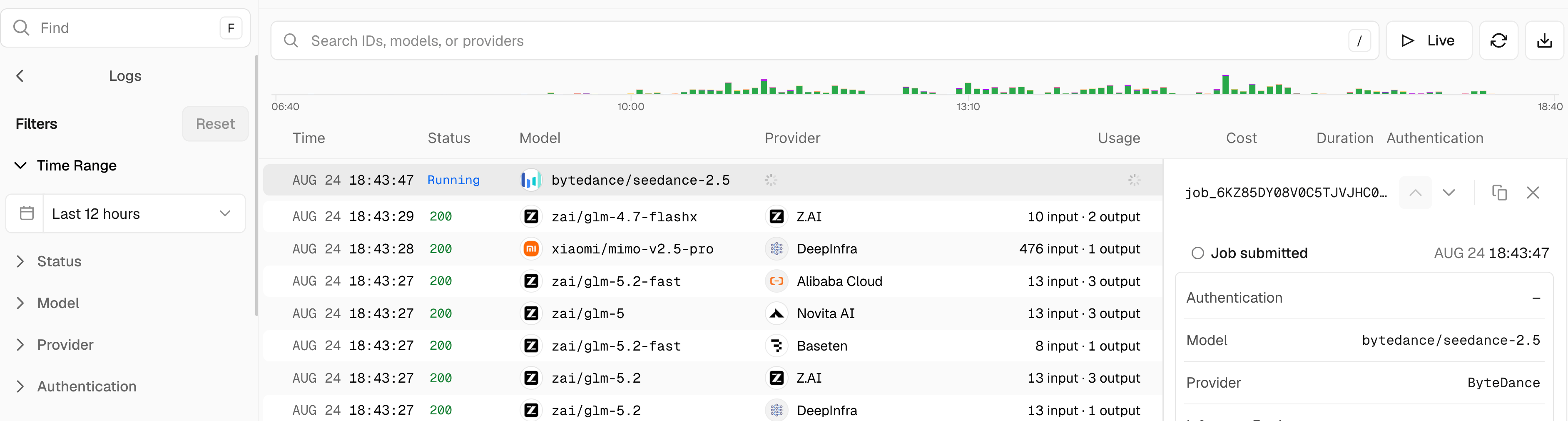
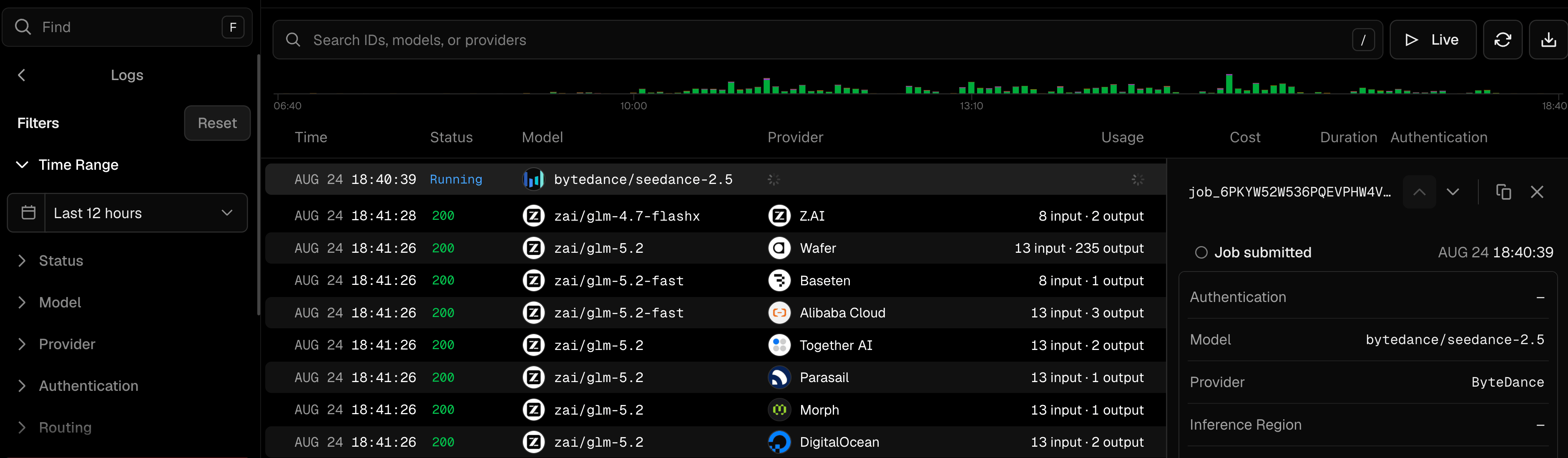
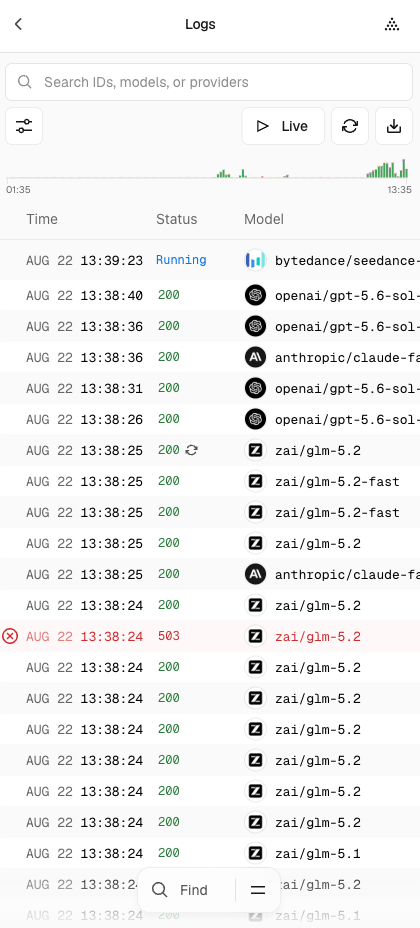
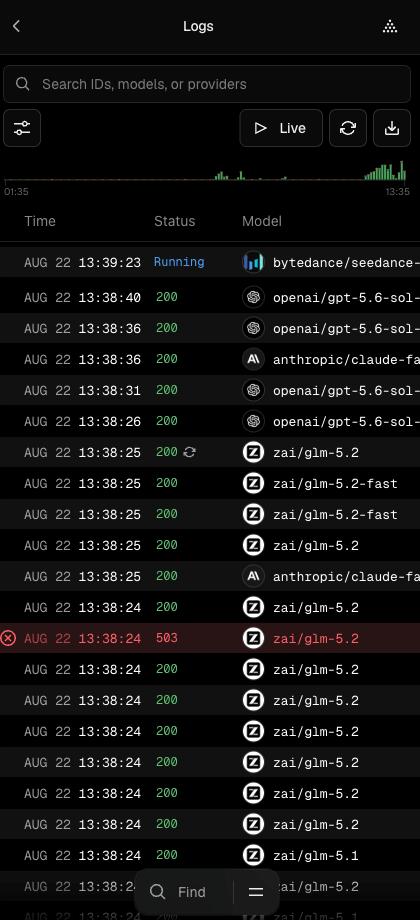
Under Request Mode, select Async to show only asynchronous jobs. Opening an entry shows the job ID and the request details.
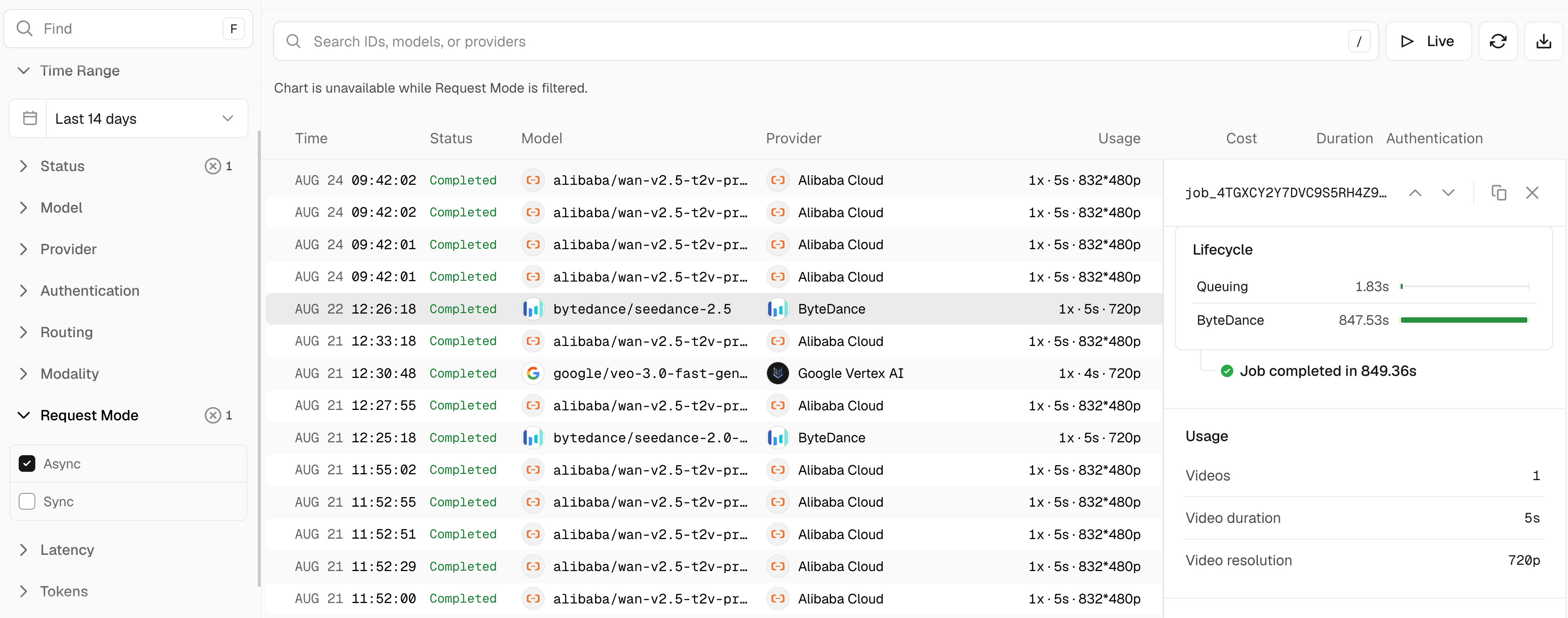
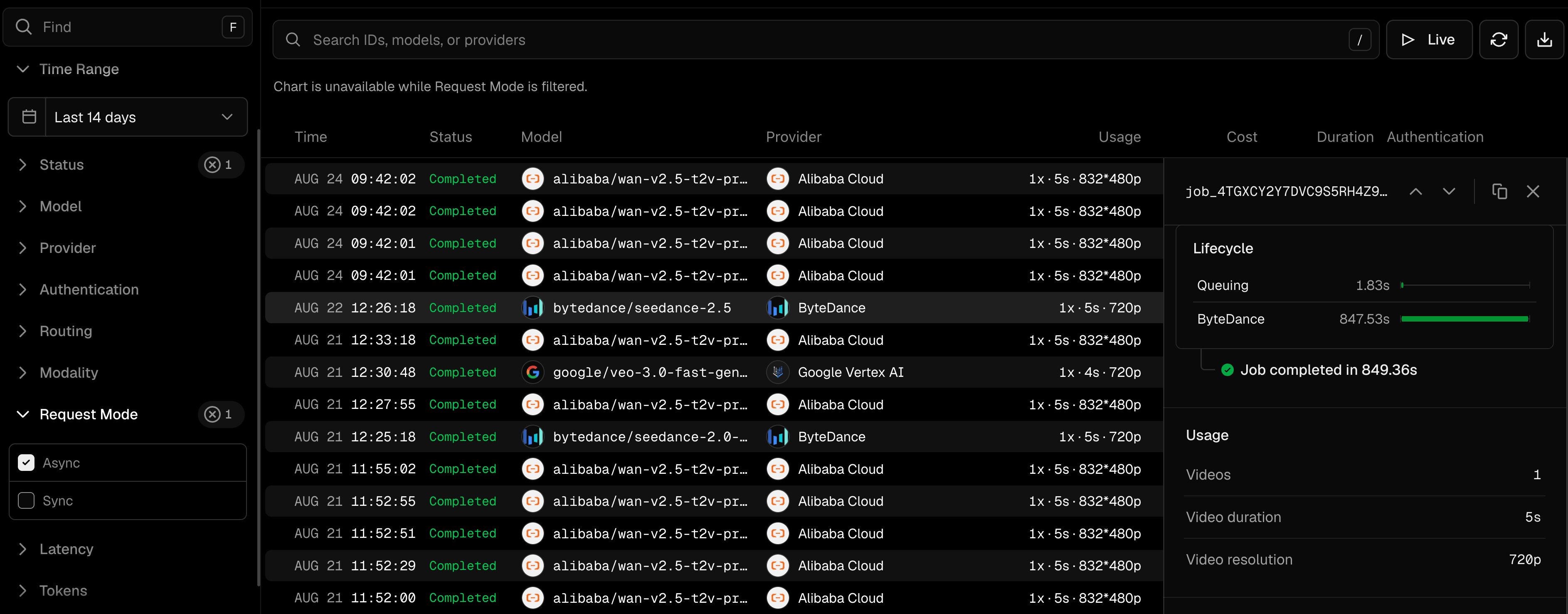
Only asynchronous requests create jobs. A standard generateVideo call appears as a single completed request after the video is ready.
For size limits, idempotency for retried job starts, webhook delivery retries, and other operational details, read the asynchronous video generation documentation or browse all video models.