


You can now use the Vercel CLI to manage Vercel Toolbar comments. vercel comments covers the full triage loop:
List and filter unresolved comments for the linked project, scoped to your current Git branch
Inspect a full thread with every message and its IDs
Reply, resolve, reopen, edit, or delete from the terminal
--format jsonoutput for scripts and agents
Copy link to headingCommon workflow
Start by listing all of the unresolved comments in the current branch:
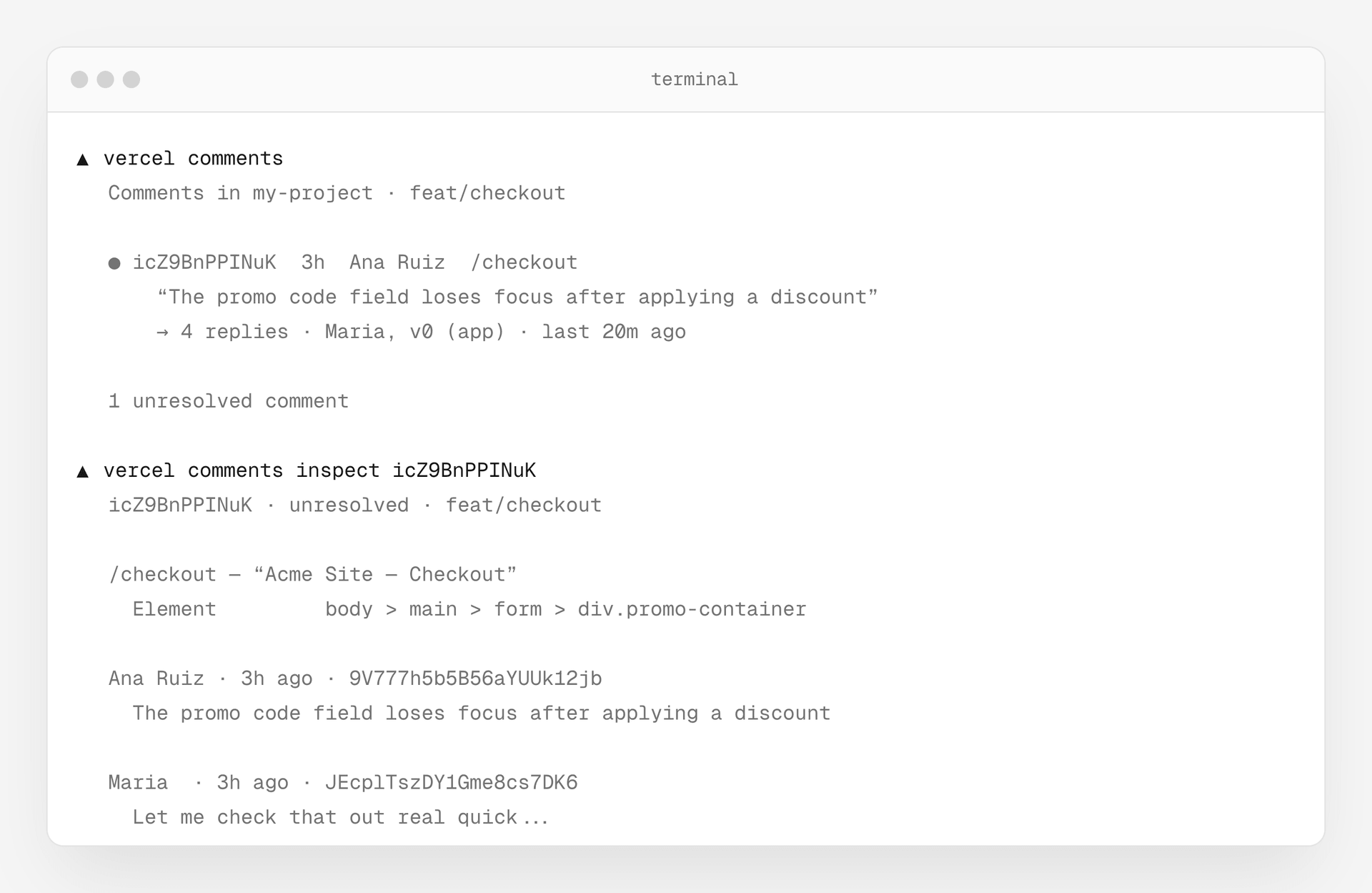
$ vercel comments  Comments in my-project · feat/checkout
  ● icZ9BnPPINuK  3h  Ana Ruiz  /checkout      “The promo code field loses focus after applying a discount”      → 4 replies · Maria, v0 (app) · last 20m ago
  1 unresolved comment  To read a thread, run `vercel comments inspect <id>`
Dig deeper into a specific thread:
$ vercel comments inspect icZ9BnPPINuK  icZ9BnPPINuK · unresolved · feat/checkout
  /checkout — “Acme Site — Checkout”    Element         body > main > form > div.promo-container
  Ana Ruiz · 3h ago · 9V777h5b5B56aYUUk12jb    The promo code field loses focus after applying a discount
  Maria  · 3h ago · JEcplTszDY1Gme8cs7DK6    Let me check that out real quick...
Reply, resolve, edit:
$ vercel comments reply icZ9BnPPINuK -m "Fixed in the latest push, focus now persists on re-render."$ vercel comments resolve icZ9BnPPINuK -m "Shipping this. Reopen if it regresses."$ vercel comments edit icZ9BnPPINuK VvkhYF6dTqbpm7K -m "Fixed on preview, verifying on staging."Copy link to headingGet started
Update to the latest Vercel CLI version and run vercel comments. Or just prompt your coding agent:
Process the comments I left on the site. Run `vercel comments` to get started, and `vercel comments --help` to learn how to interact with them. Ensure the `vercel` CLI is up-to-date.
Learn more in the comments CLI docs.