

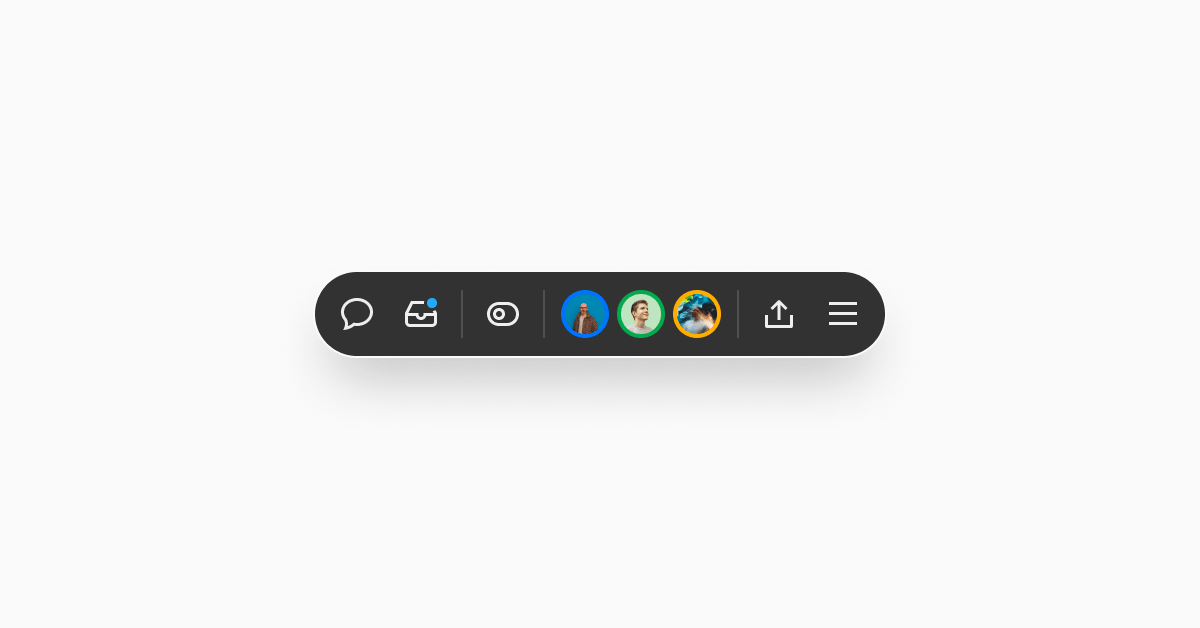
The Vercel Toolbar now loads up to 10x faster and uses hardware acceleration for smoother interactions. The toolbar has features like comments and feature flags, and developer tools like the interaction timing tool for optimizing INP.
You can also now toggle toolbar visibility based on the environment (preview or production) for your team or project from the dashboard. This is under the "Vercel Toolbar" section in general settings
When the toolbar is on, individual users can still hide and unhide it using the keyboard shortcut ⌘ + . (Mac) or Ctrl + . (Windows), or disable it for their session with the option in the toolbar menu (☰).
Learn more about toolbar settings and functionality.