


Vercel Connect is now generally available on all plans and in v0. Instead of storing long-lived provider secrets, your code requests short-lived, scoped tokens at runtime. Deployments authenticate with their existing Vercel OIDC identity. Each token is scoped to the task, refreshed automatically, and expires on its own.
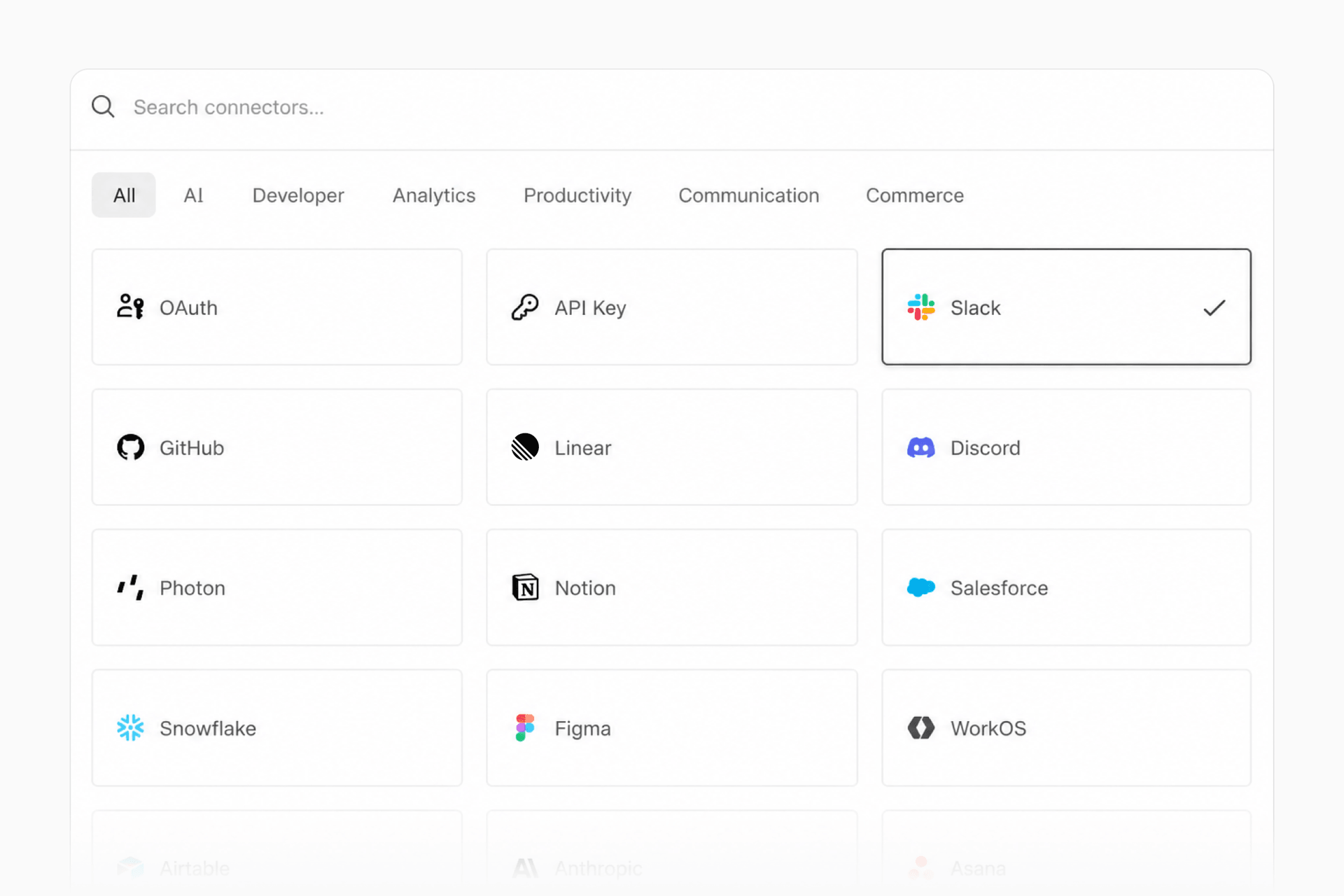
Copy link to headingAny service with one command
Register a connector once from the CLI. Pass the service name and the CLI pre-populates the brand name, icon, auth type, and MCP or discovery URL, then prompts for any credentials the service requires:
vercel connect create slack --name acme-slackCreate a Slack connector named acme-slack
Connect ships with 100+ preset connectors for tools like Notion and Workday, managed connectors for Slack, GitHub, Linear, Salesforce, Snowflake, and Microsoft, plus generic OAuth, API key authentication, and MCP servers.
Copy link to headingTokens at runtime, not secrets at rest
Request a token only when your code needs one, with getToken:
import { getToken } from '@vercel/connect';
const token = await getToken('slack/acme-slack', {  subject: { type: 'app' },});
Request an app-level Slack token
Switch the subject from the app to a named user and the token acts on that user's behalf, triggering the authorization flow when consent is needed.
Copy link to headingAccess your team can inspect and prove
New at GA:
Fine-grained RBAC controls who can create and manage connectors
Audit logs record authorization and connector activity
Token and trigger observability shows how tokens are used across projects
Together with per-environment attachment, including Custom Environments, and one-command revocation, external access becomes something your team can inspect, prove, and cut off in seconds.
Copy link to headingTriggers without stored webhook secrets
Triggers deliver provider events to your app without a stored secret. Vercel Connect verifies signatures server-side, re-attests each event using an OIDC identity, and forwards the event to your project, even when Deployment Protection is enabled.
Connect also manages private keys and the full credential lifecycle, so you get standards-compliant OAuth without building the infrastructure yourself.
Copy link to headingWorks with your stack
Connect works wherever your functions run and is supported in v0, eve, and Chat SDK. Adapters are available for the auth libraries and agent tooling you already use:
Better Auth:
@vercel/connect/betterauthAuth.js:
@vercel/connect/authjsAI SDK:
@vercel/connect/ai-sdkMCP clients:
@vercel/connect/mcpeve:
@vercel/connect/eveChat SDK:
@vercel/connect/chat
Copy link to headingSecurely connect your AI SDK agents to MCP servers
The AI SDK adapter authenticates MCP clients with tokens minted at runtime. In this example, the agent gets read-only Linear access issued for a single user, so downstream actions carry that user's identity:
import { createMCPClient } from '@ai-sdk/mcp';import { connectAuthProvider } from '@vercel/connect/ai-sdk';import { streamText } from 'ai';
const mcpClient = await createMCPClient({  transport: {    type: 'http',    url: 'https://mcp.linear.app',    authProvider: connectAuthProvider('oauth/linear', {      subject: { type: 'user', id: userId },      scopes: ['read'],    }),  },});
const result = await streamText({  model: 'openai/gpt-5.6-sol',  tools: await mcpClient.tools(),  prompt,});
Copy link to headingGive your GitHub agents only the access they need
GitHub Tools, our open source tool layer for GitHub agents, plugs into eve through Connect via an eve extension. Presets like code-review map to Connect scopes automatically, so tokens carry only the permissions the toolset needs:
import githubExtension from '@github-tools/eve-extension';
export default githubExtension({  connector: 'github/my-connector',  preset: 'code-review',});
Copy link to headingPricing and availability
Vercel Connect is available on all plans, with pricing based on token requests and trigger events. Hobby includes 500 token requests and 1,000 triggers per month at no additional cost. Pro is billed at $3 per 1,000 token requests and $0.95 per 1,000 triggers, with custom pricing on Enterprise.
Copy link to headingGet started
Deploy a software factory template with Vercel Connect or browse the source
Follow the complete guide in the knowledge base or read the launch blog post
Hand the prompt below to your coding agent to set up Vercel Connect:
Help me set up Vercel Connect in this application. Install the Vercel Connect skill first with `npx skills add vercel/vercel-plugin --skill vercel-connect` and follow it. Read vercel.com/docs/connect.md for anything the skill does not cover. Link the project (`vercel link`) and pull a local OIDC token (`vercel env pull`). Ask me which provider to connect, create a connector for it, and attach it to this project. Then install @vercel/connect and request a token at runtime with getToken. Make a test call against the provider to confirm it works. If you have any questions or get stuck, don't assume the answer, just ask me.


