



Vercel Replicate IntegrationConnectable Account
provides a platform for accessing and deploying a wide range of open-source artificial intelligence models. These models span various AI applications such as image and video processing, natural language processing, and audio synthesis. With the Vercel Replicate integration, you can incorporate these AI capabilities into your applications, enabling advanced functionalities and enhancing user experiences.
You can use the Vercel and Replicate integration to power a variety of AI applications, including:
- Content generation: Use Replicate for generating text, images, and audio content in creative and marketing applications
- Image and video processing: Use Replicate in applications for image enhancement, style transfer, or object detection
- NLP and chat-bots: Use Replicate's language processing models in chat-bots and natural language interfaces
Replicate models cover a broad spectrum of AI applications ranging from image and video processing to natural language processing and audio synthesis.
The Vercel integration can be accessed through the AI tab on your Vercel dashboard.
To follow this guide, you'll need the following:
- An existing Vercel project
- The latest version of Vercel CLI
Terminal
pnpm i -g vercel@latest
- Navigate to the AI tab in your Vercel dashboard
- Select from the list of providers, and press Add
- Review the provider information, and press Add Provider
- You can now select which projects the provider will have access to. You can choose from All Projects or Specific Projects
- If you select Specific Projects, you'll be prompted to select the projects you want to connect to the provider. The list will display projects associated with your scoped team
- Multiple projects can be selected during this step
- Select the Connect to Project button
- You'll be redirected to the provider's website to complete the connection process
- Once the connection is complete, you'll be redirected back to the Vercel dashboard, and the provider integration dashboard page. From here you can manage your provider settings, view usage, and more
- Pull the environment variables into your project using Vercel CLI
terminal
vercel env pull - Install the providers package
- Connect your project using the code below:
You can deploy a template to Vercel that uses a pre-trained model from Replicate:
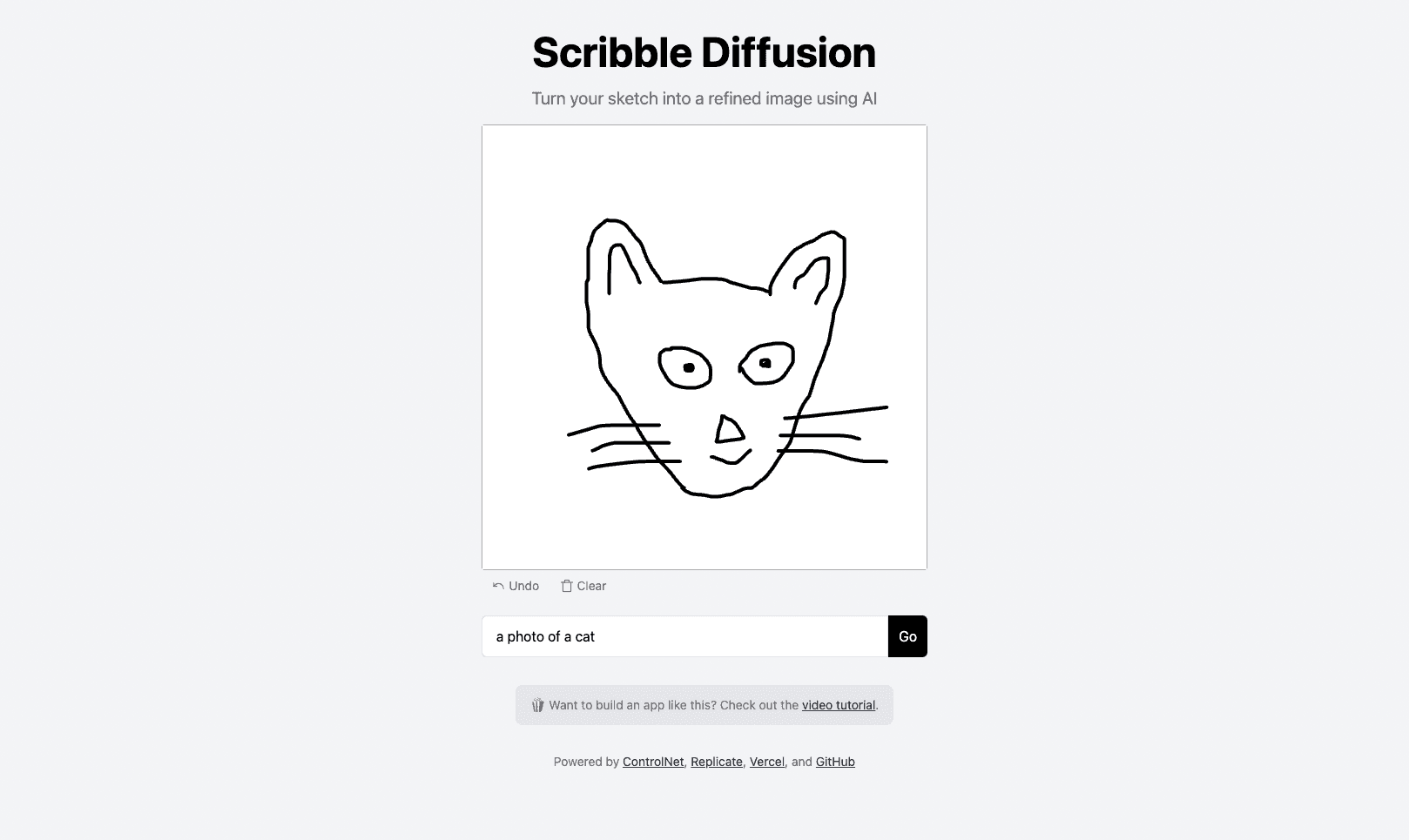
Scribble Diffusion
Turn your rough sketch into a refined image using AI. Powered by Replicate and ControlNet.
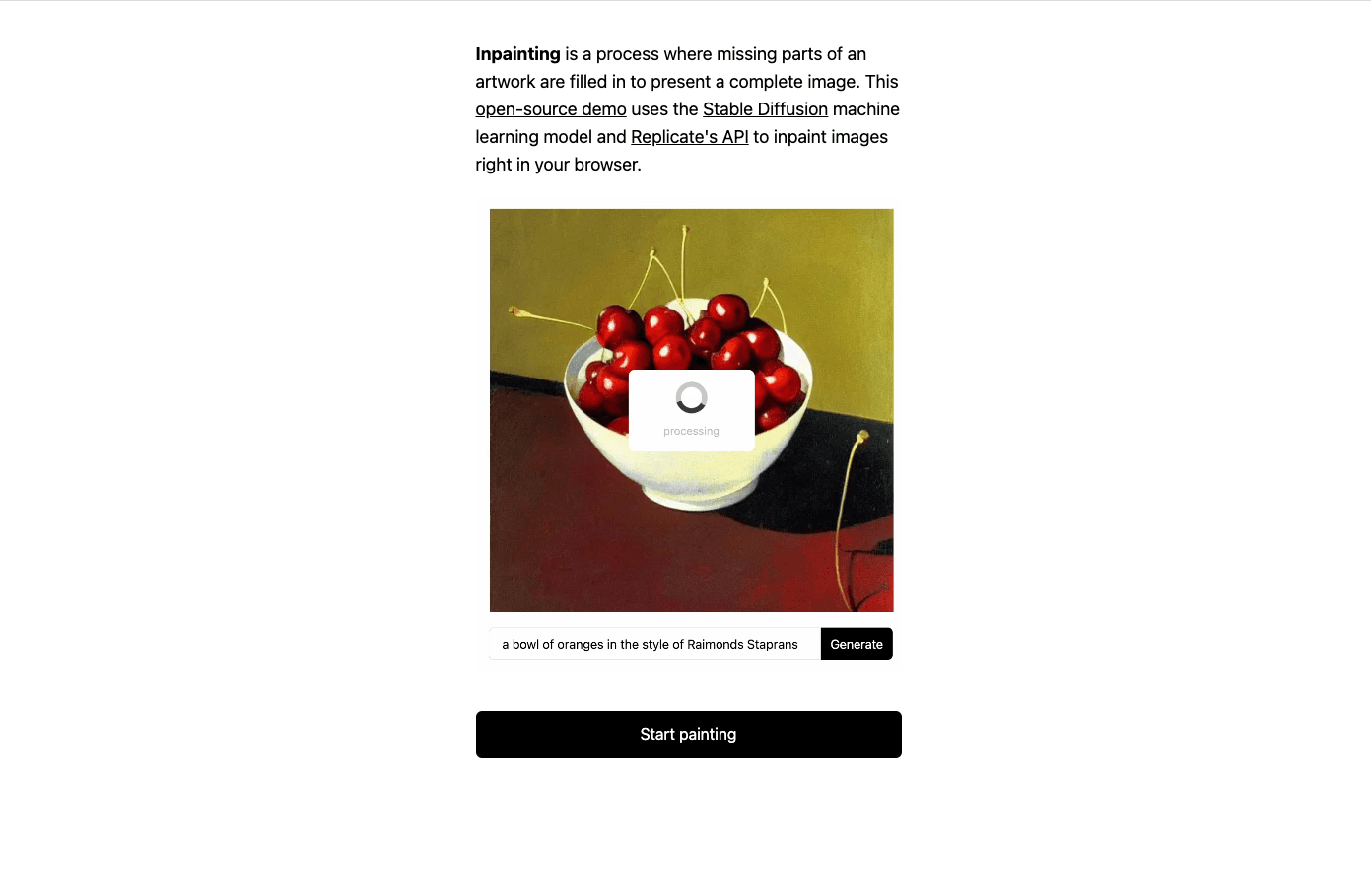
Inpainter with Stable Diffusion
Next.js application for inpainting with Stable Diffusion using the Replicate API.
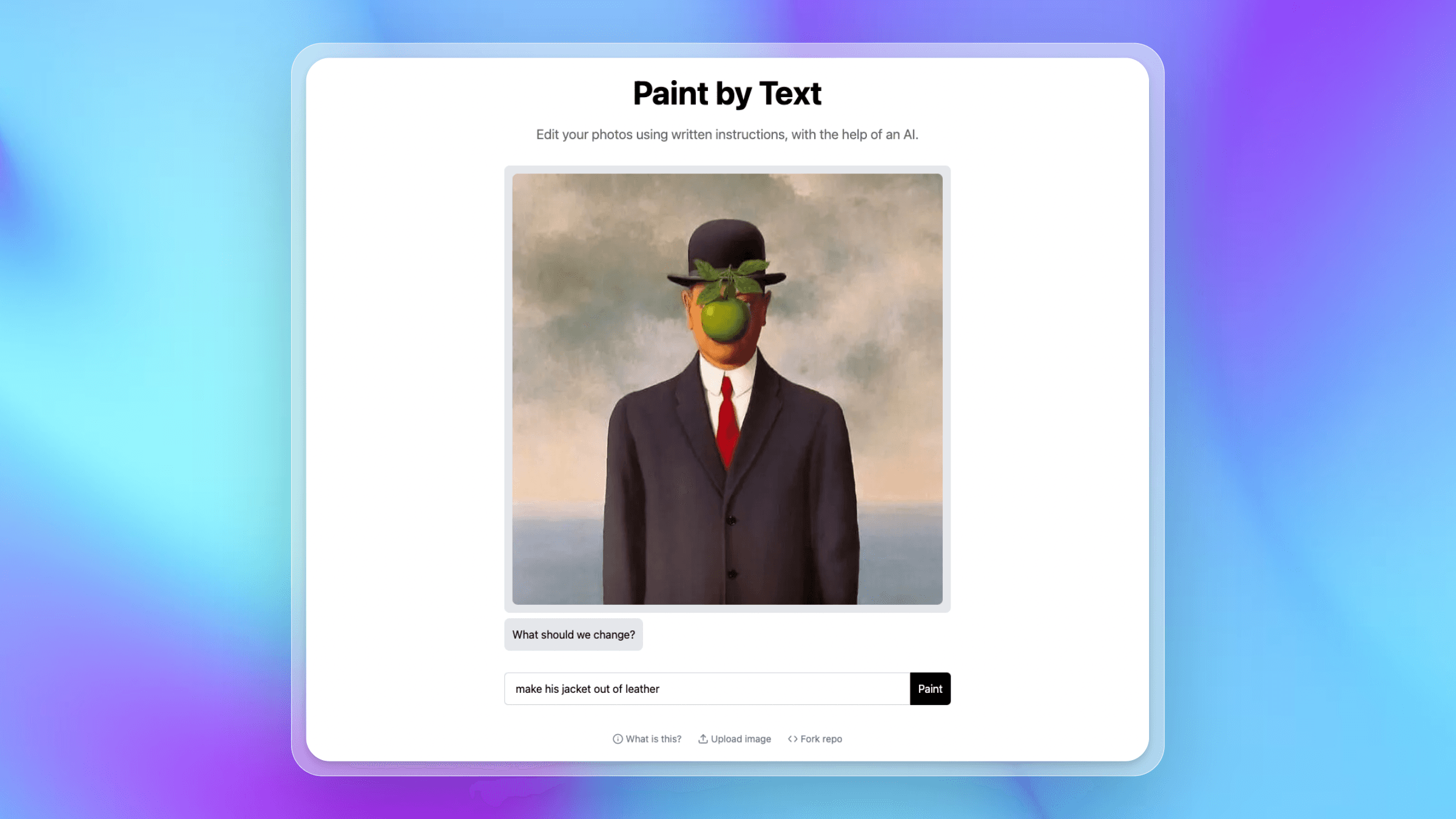
Paint by Text
Edit your photos by chatting with a generative AI model (InstructPix2Pix), powered by Replicate.
Was this helpful?